

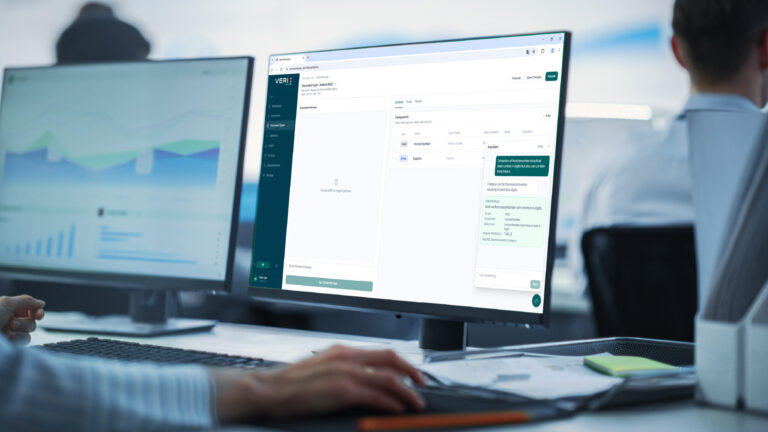
In the previous webinar, you showed what Verix Workspace is. Now we are taking it a step further. You set up your client's environment by talking to it in plain language. And clients running on-premise are migrating to the Cloud without changing their way of working. In 30 minutes, Sander and Mark will show you how that works.
Configure by typing what you want
Do you want a VAT number to always be recognized in a fixed location in the document? Then simply type it. Verix Workspace converts your text into a line, and from that moment on, that line controls how the AI reads the document. No forms, no technical settings. You fine-tune recognition down to the field level, exactly as specific as your customer needs it.
From on-premise to the Cloud
Are your customers currently running on-premise? Then nothing changes regarding how they work. Files go to the Cloud for processing and return to the familiar location, in the same folder structure. Verix takes over application maintenance, so your customer no longer needs their own server management. We walk through the transition in the webinar.
Duration
± 45 minutes
This webinar is given in German.